Anyone who knows me to even a casual degree will have noticed I'm an organized person. To my delight, organization and Fruit of War have come up a few times in the same breath. Either folks are curious about my process, or they've kindly complimented and speculated about the depth of the work I put into my worldbuilding. I thought I'd offer a closer (but spoiler-free) look at my system!
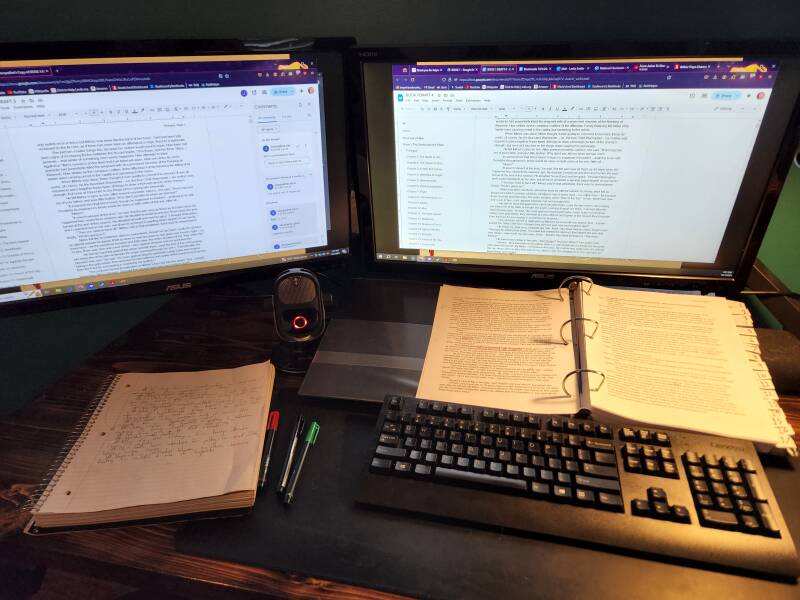
But first, some lore!
If you'll indulge me, as usual I feel the need to give some important context.
I attribute my near-compulsive organization to my mother. From a young age I can remember her meticulous listmaking in the pale yellow-green Steno memo pads in her tiny, perfect handwriting. In the years when I think she struggled the most, the first item on those lists was 'Make list', so she'd have something to cross off.
I've touched on how her death midway through my Bachelor's was a traumatic experience for me. A big part of that was because I was barely twenty and alone in handling...well, all of it. And as anyone who's lost a parent or spouse as an adult knows, the practicalities surrounding a death can be suffocating in the best of circumstances. Such was the case for me, and I don't exaggerate when I say that the only way I made it through was because I was organized.
More than that, though, was the hard lesson of getting one's affairs in order in the event of the worst happening. Though I'll talk more about the importance of estate planning another day, suffice it to say that a big motivator behind my organization is to help my loved ones.
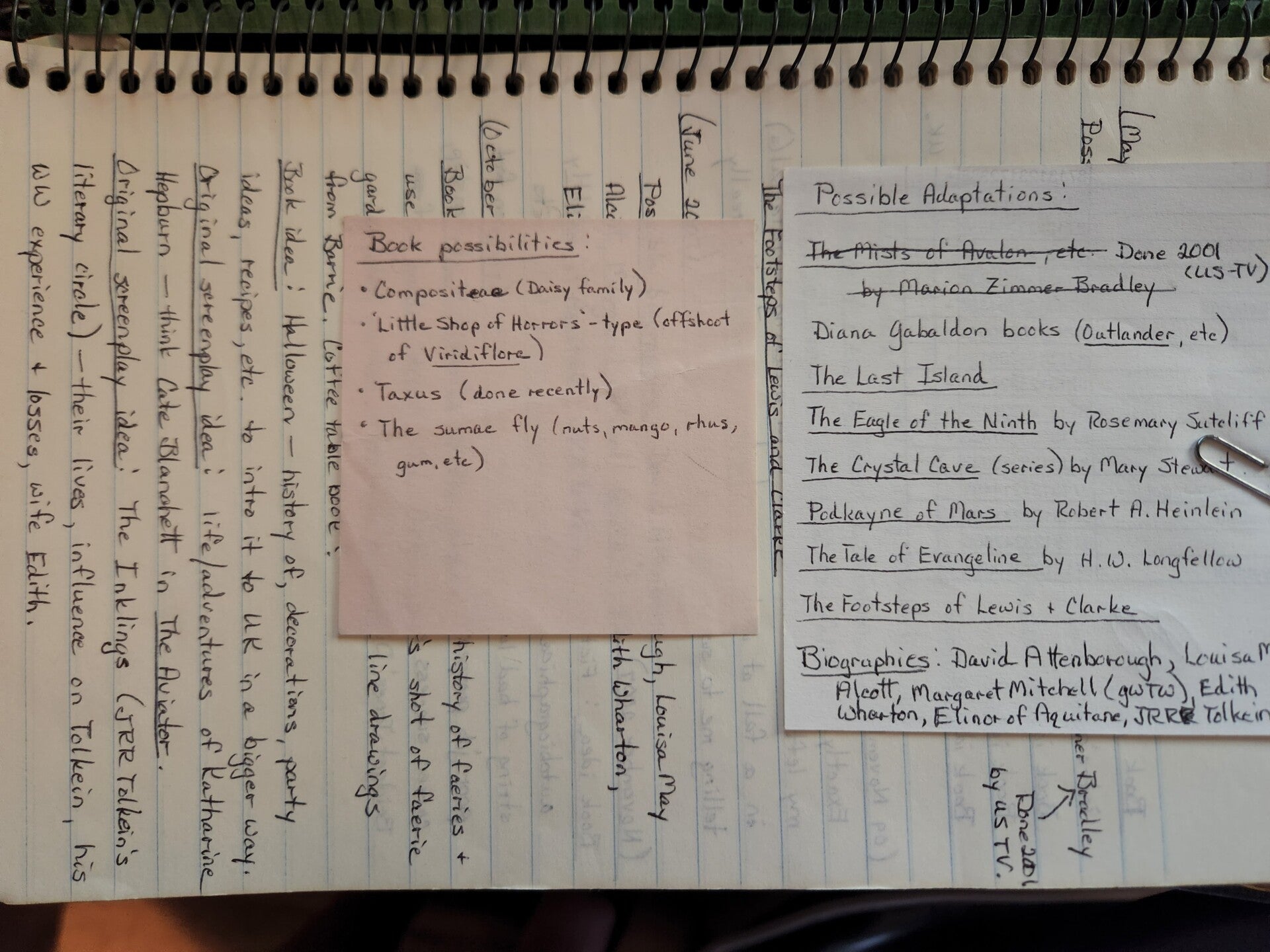
(Click to enlarge.) An example of my mother's handwriting in question. Fun fact: in her later years she was trying to get back to writing, herself, specifically screen adaptations of novels. One of her ideas was Outlander, as she was a devoted Diana Gabaldon reader.
A disclaimer
I should also point out that neither I nor my system is perfect. Sometimes I forget. Sometimes I just plain don't want to. Sometimes a part of it ceases to be as useful as I'd hoped. But the majority of the time, it's saved me enough headaches and serious f*ck-ups for the labor to be worth it. It's helped my stress levels immensely just to know that even if I can't recall something offhand, I have it written down somewhere.
My system won't be for everyone. Maybe you're the type of person who has enviable mental retention or prefers a more exploratory approach, or you're blessed with someone else to do part or all of this for you. It's also a living process, guaranteed to change as my needs change. But, on the off chance that this could be helpful or at least interesting, let's proceed!
The key thing is that I'll be talking about two interlinked but distinct facets:
- How I organize creative work for the saga (a.k.a. my worldbuilding)
- How I organize publishing-related material
Buckle up!
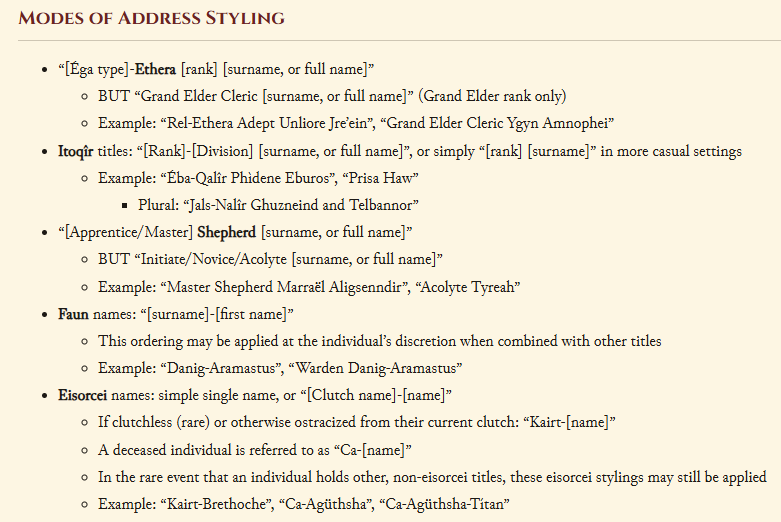
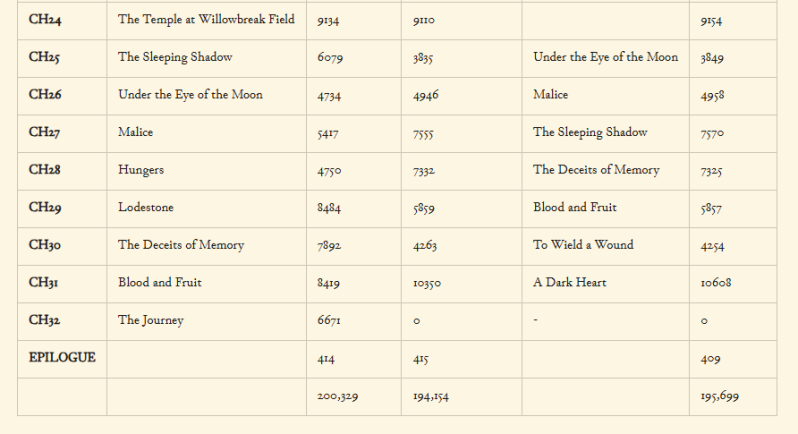
Stages of Input: Wrangling Book Material
When I say 'book material', I mean anything related to creating the actual narrative. You, the reader, may or may not ever see it in print. It includes worldbuilding notes, old book drafts, character profiles, ideas for future narrative material, and so on. The essence of this facet of my organization system is to move the material through various stages of internal publication (which may or may not include the book as the ultimate destination), saving old versions along the way for posterity and in case of oopsies.

Notetaking and Archiving: Wrangling Publishing Material
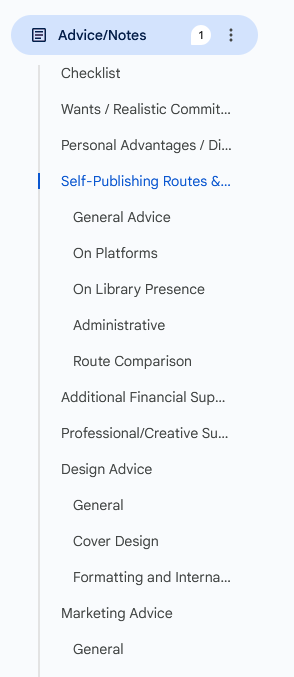
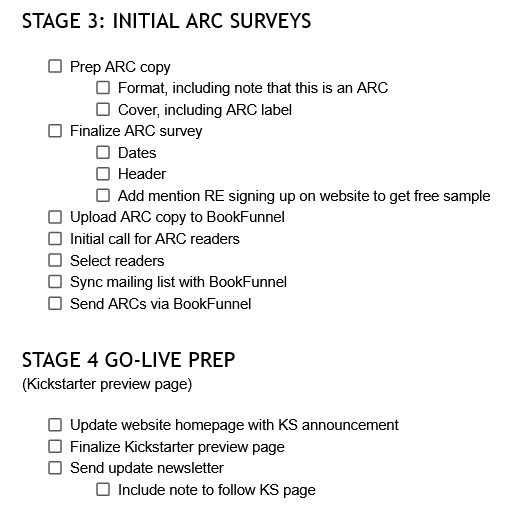
By 'publishing material', I mean anything related to the publishing of my books and the marketing of myself as an author. It's largely notes, whether about inspiration or things to remember or about things that are currently live in the public sphere. Though the vast majority is FoW-focused, some of it is broader business concerns.
There are numerous separate documents, so I'll be listing the main handful that I'd recommend to anyone seeking to mimic this system.

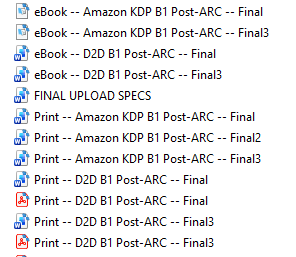
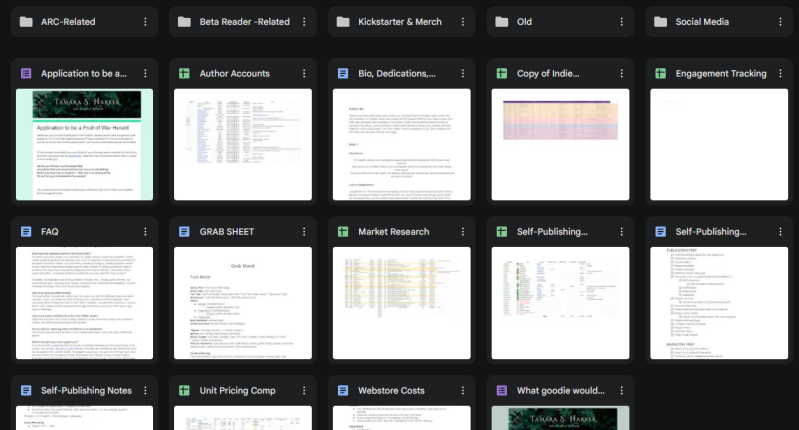
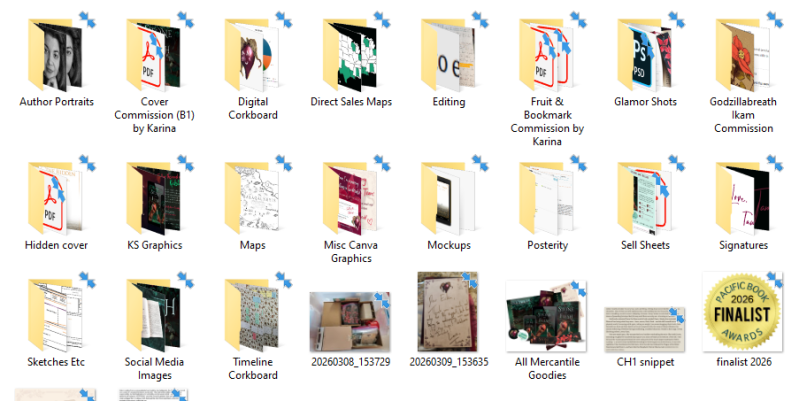
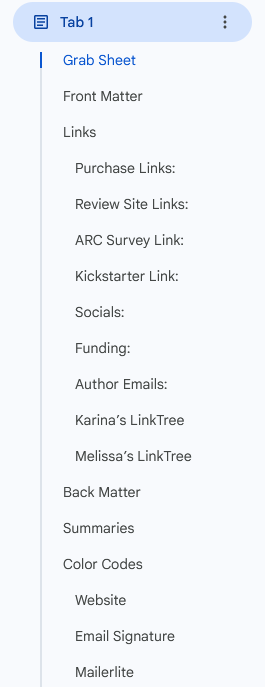
The Actual Filing
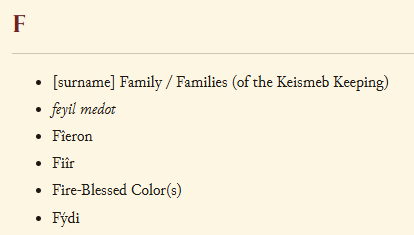
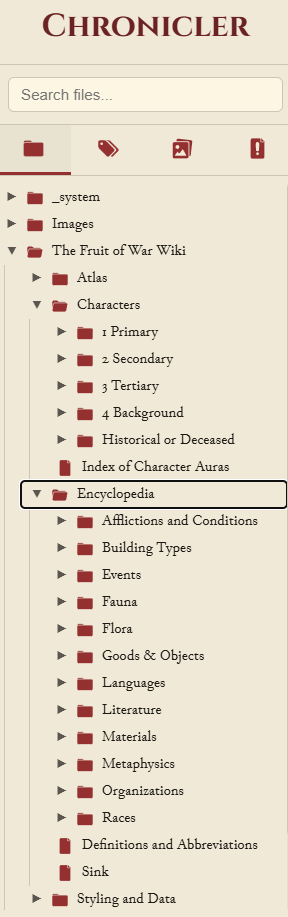
All of these items are largely digital and cloud-hosted, but I make backups regularly and either include a version number in the filename (also standardized) or put a 'last updated' note under the title. FoW's digital filing system is first divided into documents and images, with sub-folders in each; there's a blend of creative stuff and publication stuff. The filing system is mirrored both online and offline so that finding what I need becomes muscle memory.
As a final crucial note on the topic: I place the major files -- the book files I upload for print/eBook, and the cover file -- in an easily-identifiable 'LIVE FILES' folder on their own in either the documents or images section as appropriate. I am very strict on how I name the files themselves, too.
In Conclusion
Do I need all of this? Possibly not; a lot of it grew as I went and at this stage in my journey, some it can either be retired or streamlined. It's also worth noting that half of it exists because (with the exception of WorldAnvil) I don't pay for the tools and services I utilize, and I don't have an admin assistant or accountant. With a greater budget, maybe some of this wouldn't exist.
I'm cognizant that I may have overwhelmed everyone but fellow organization geeks, so it's probably time to round up. Is this similar to how you organize yourself, or vastly different? Am I insane? Let me know in the comments! I love hearing about others' processes, and I firmly believe there's no right or wrong way to go about these things as long as you end up with the book you desire!

Resources
- Ellipsus (my cloud-based writing platform of choice; these screenshots show G**gleD*cs but I'm in the process of moving everything over)
- Chronicler (my offline, markdown-based wiki software of choice)
- WorldAnvil (my soon-to-be-former-but-still-recommended online worldbuilding wiki platform and community)
- Thunderbird (my email app; I use it mostly so I can have a unified inbox, which saves a lot of swapping back and forth)
- Mozilla Firefox (my web browser; I love it for many reasons but for our purposes here I especially like its tab grouping function)
I'll get more into other recommended tools and services in a separate post, but these are most relevant to the topic at hand. It should go without saying that I have not been paid to mention or otherwise receive any perks for mentioning any of these resources.
Add comment
Comments
I wish I could be so organized! I’d definitely take any sort of template for storybuilding that you’d put out—that’s for sure.
Thank you kindly! And a storybuilding template, or others, is something I've definitely thought about -- I'll give it some *more* thought, especially if there seems to be demand. <3